
Autocillin Mobile Claim Application
Submit your Autocillin claims with ease, anytime, anywhere.
Download NowEnjoy a fast and convenient claims experience. Autocillin Mobile Claim helps you submit your claim directly from your smartphone whenever you need it.
Download Autocillin Mobile Claim now.


How to Use
Submit your car insurance claim easily in just 5 simple steps. Download the Autocillin Mobile Claim app and enjoy a claims process that is faster, more convenient, and hassle free.
5 Easy Steps to Submit Your Claim:
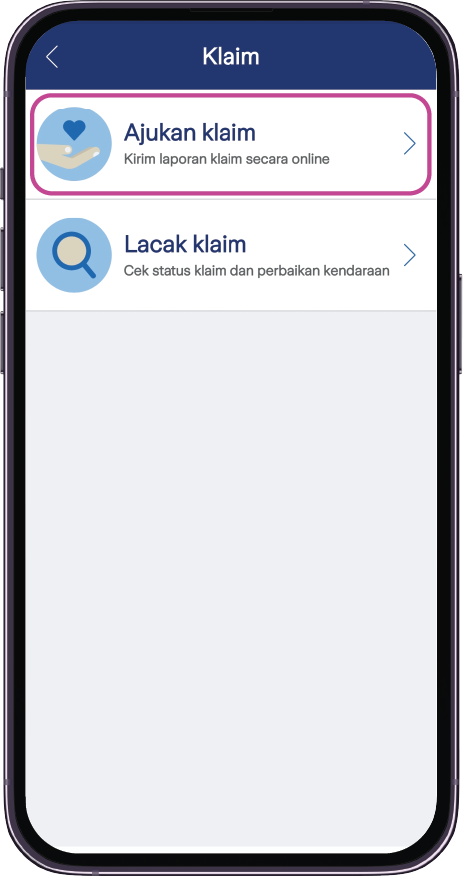
Submit a Claim.
Start your claim submission. Please ensure that all required documents are ready before proceeding.
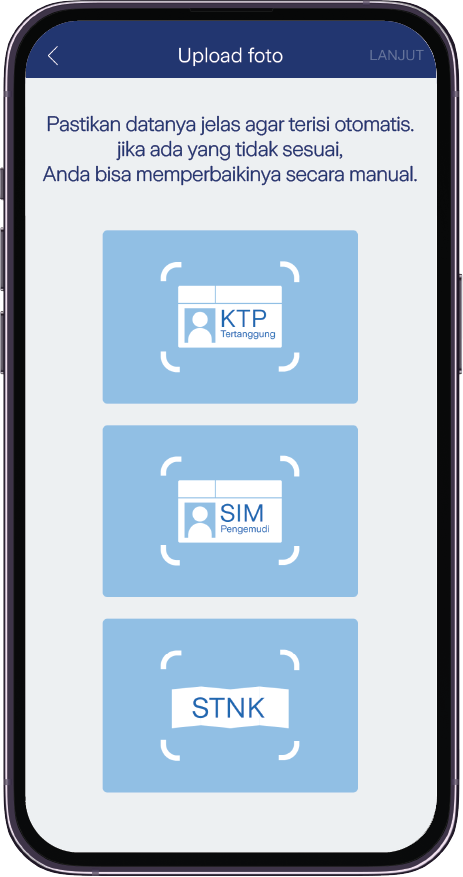
Policy Verification.
Verify your policy by uploading the vehicle registration certificate (STNK), ID card (KTP), and the driver's license (SIM).
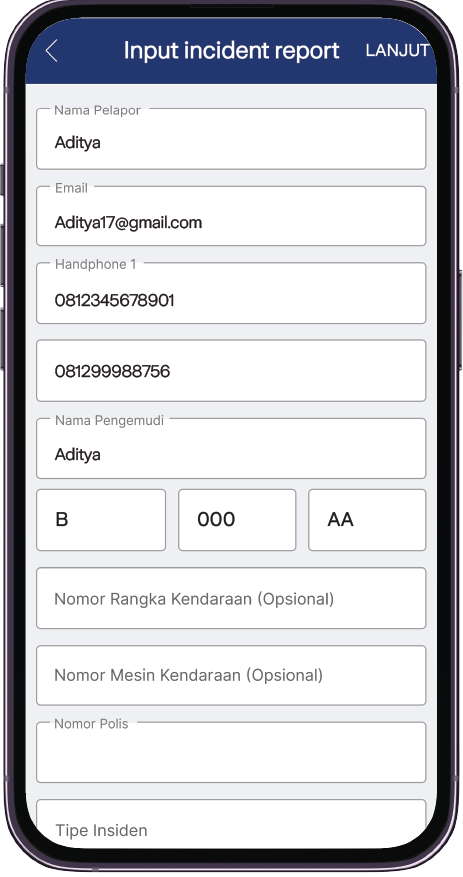
Enter Claim Details.
Complete the claim application form with the required information.
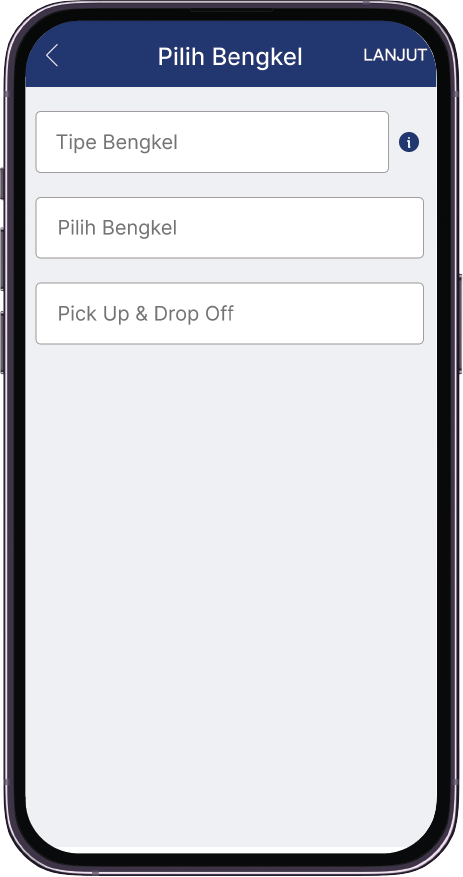
Select a Repair Workshop.
Choose your preferred repair workshop and vehicle pick-up service. For a more seamless and integrated experience, select an Autocillin Garage.
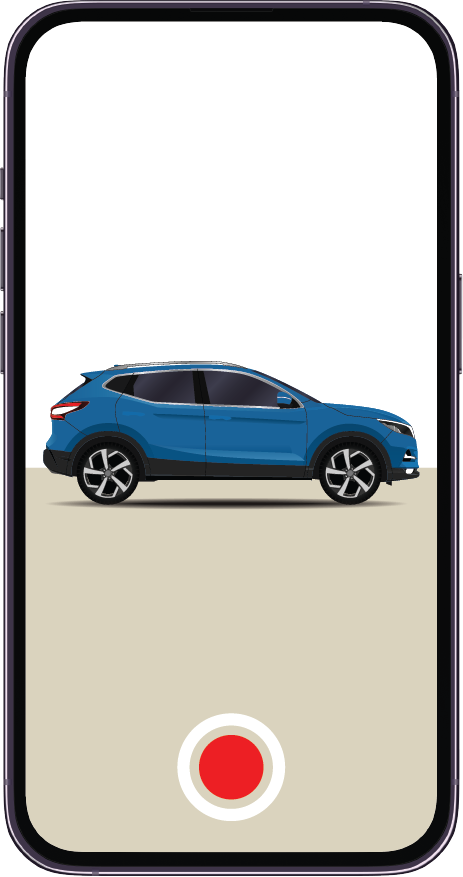
Take or Upload Photos of Vehicle Damage.
You can either take photos directly through the app or upload existing photos of the vehicle damage. Follow the photo guidelines provided until your claim ticket number is issued.
Important Notes:
- Ensure photos are taken in good lighting conditions and from a minimum distance of 1 meter from the vehicle.
- Make sure your smartphone is connected to a stable internet connection.
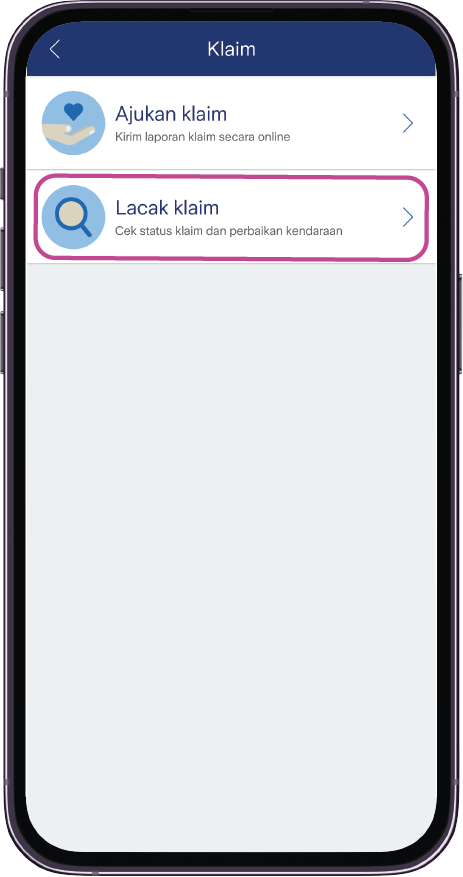
You can track the progress of your vehicle repair through the Track Claim menu.